
 100% Quebec
Clic Horaire feature
Employee document upload
The employee photographs their competency card on site and files it to their record, with a note for their supervisor. No more documents sent by text that somebody has to re-upload by hand.
What's included
Photo taken on the spot, or a file already on the phone (PDF, image)
Document type and free-form note, read as-is by the supervisor
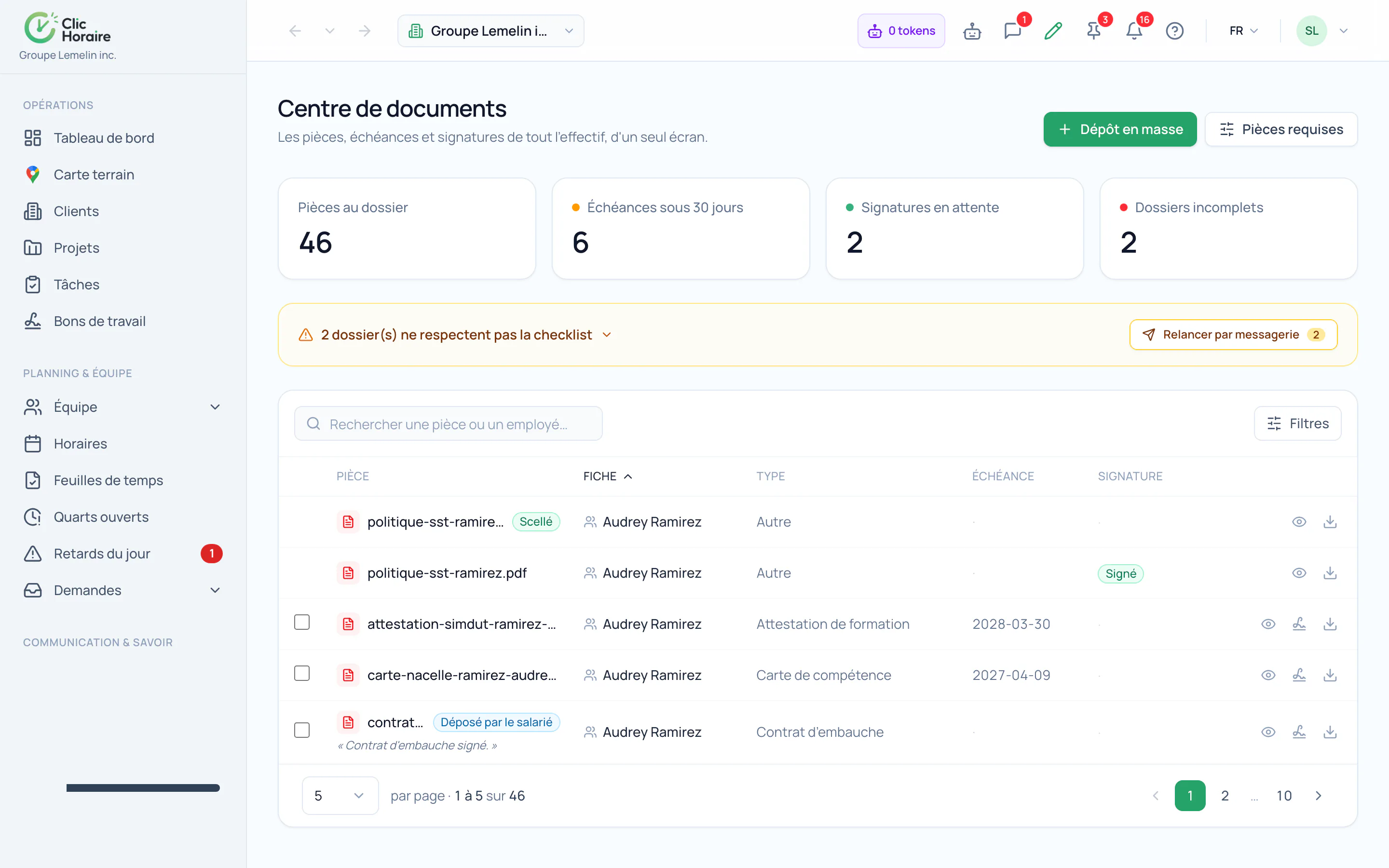
Shows up in the record and the Document Centre, marked "deposited by the employee"
Built-in anti-abuse caps, invisible in normal use
How it works, in detail
- 1
The path this replaces: the text to the supervisor
Until now, an employee renewing their competency card sent it by message to their supervisor, who forwarded it to admin, who uploaded it by hand into the record. Three people, two days, and a document sitting in a private conversation. Direct upload removes both middlemen.
- 2
The note is the employee's channel
"Card renewed in July, the paper copy follows": that is what a deposited document most often lacks. The note travels with the document to the record and is shown as-is to management, who no longer has to guess what they are looking at.
- 3
What the employee cannot deposit
Not an employment contract: it is drawn up by the employer, and a document filed under that type would read as a signed contract that isn't one, and not a pension enrolment form: that one is THE proof that a decree obligation has been met, and it has its own signed and sealed path.
- 4
Caps that normal use never meets
An employee uploads two photos and a PDF a year. The limits are therefore invisible to them and impassable for a bot: five uploads a day during the free trial, fifteen a day afterwards, a maximum size per file, and a storage cap per record. The real size is read back from storage, never taken from the phone.
 Clic Horaire
See this feature on your own data
14-day free trial, no credit card. Your decrees are configured up front: all you add is your crew.
See every feature